Attach Policy Pack to Resource
Attach Policy Pack to Specific Resource
In this guide, you will:
- Use the Guardrails console to associate policy packs to a specific resource.
Policy Packs let administrators group and apply policies to specific resources, like AWS accounts, folders, or individual resources. Associating Policy Packs with resources ensures consistent policy enforcement and simplifies management across your environment.
Prerequisites
- Turbot/Operator permissions at the Turbot resource level.
- Familiarity with Guardrails console.
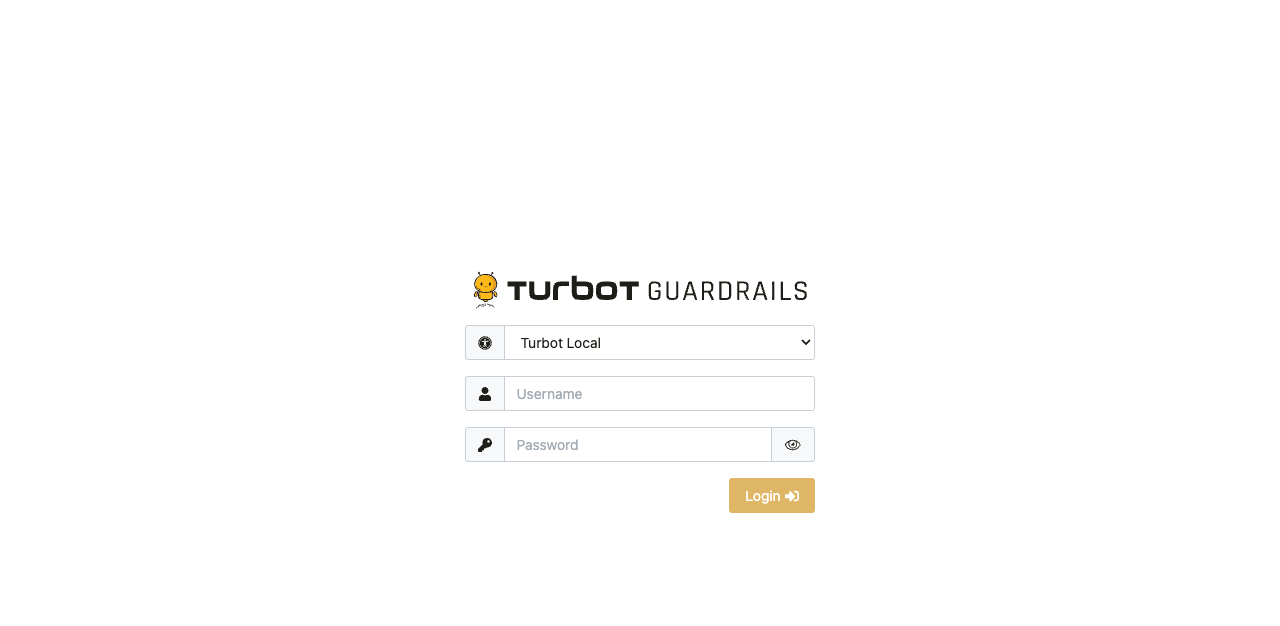
Step 1: Login to Guardrails Console
Log into the Guardrails console.
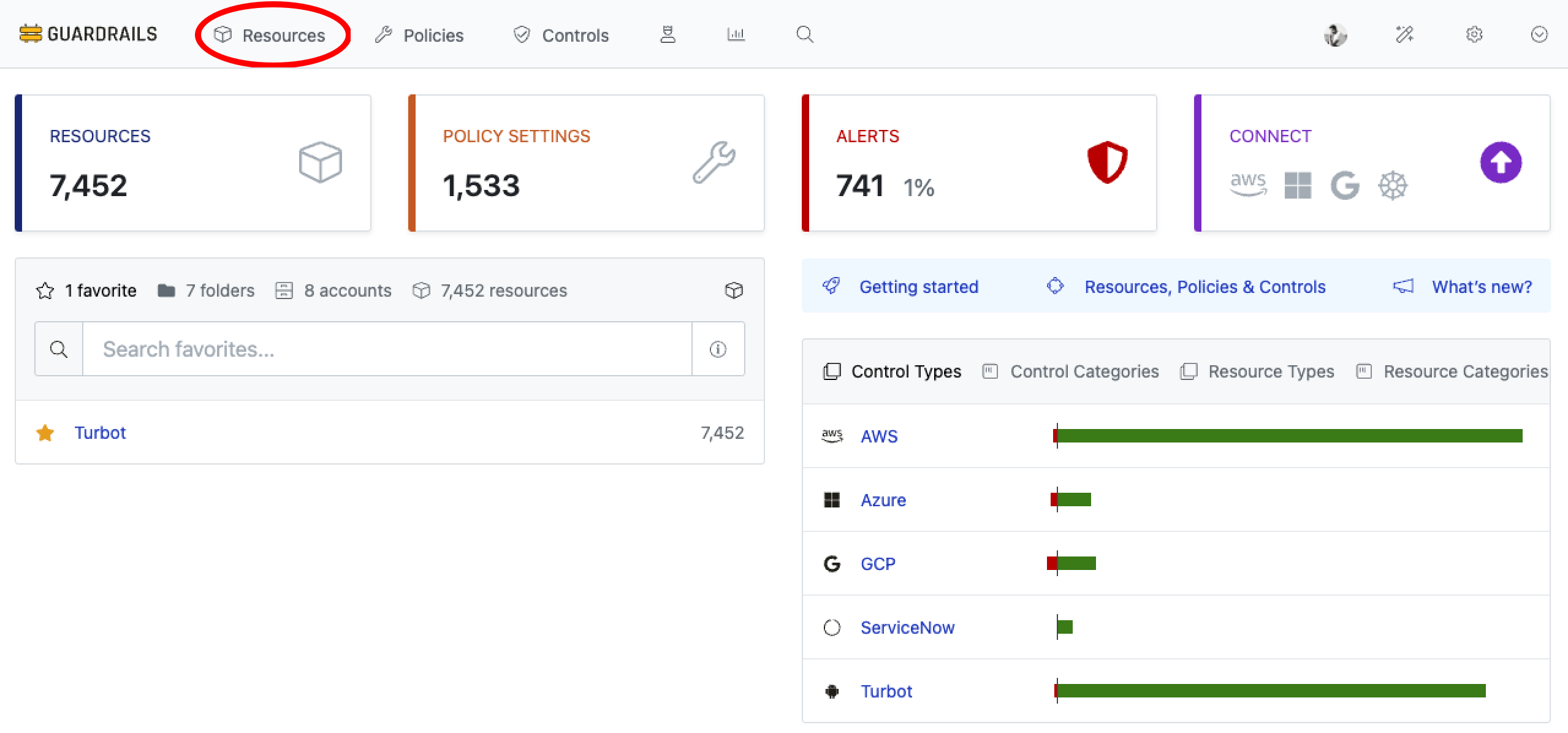
Step 2: Navigate to Resources
Choose Resources from the top navigation menu.
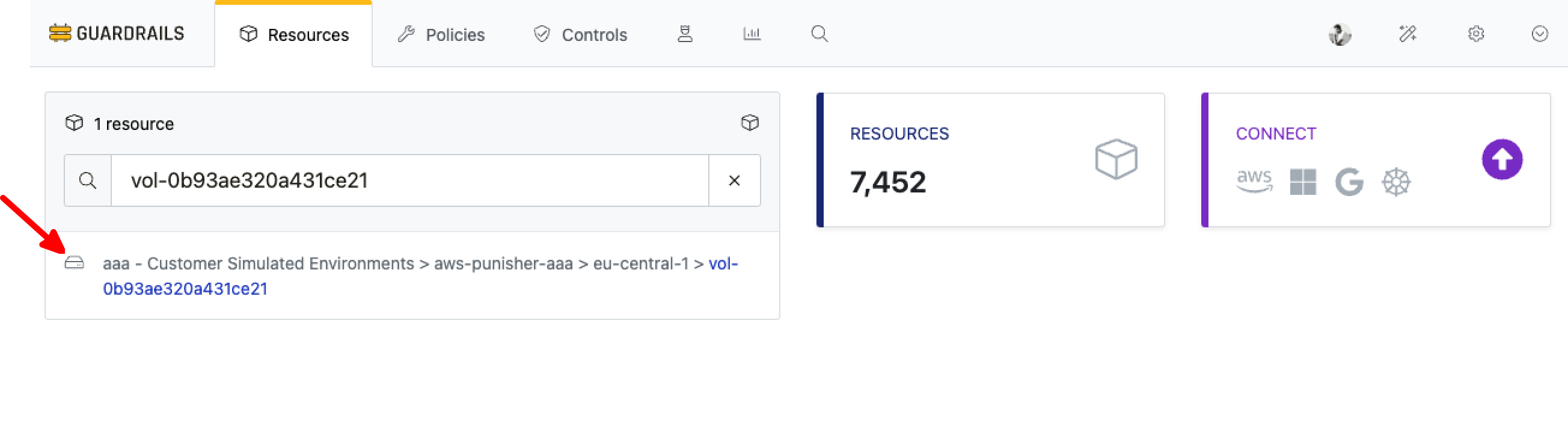
Step 3: Select Resource
Search for and select the desired resource. In this example, we have selected an EC2 Volume.
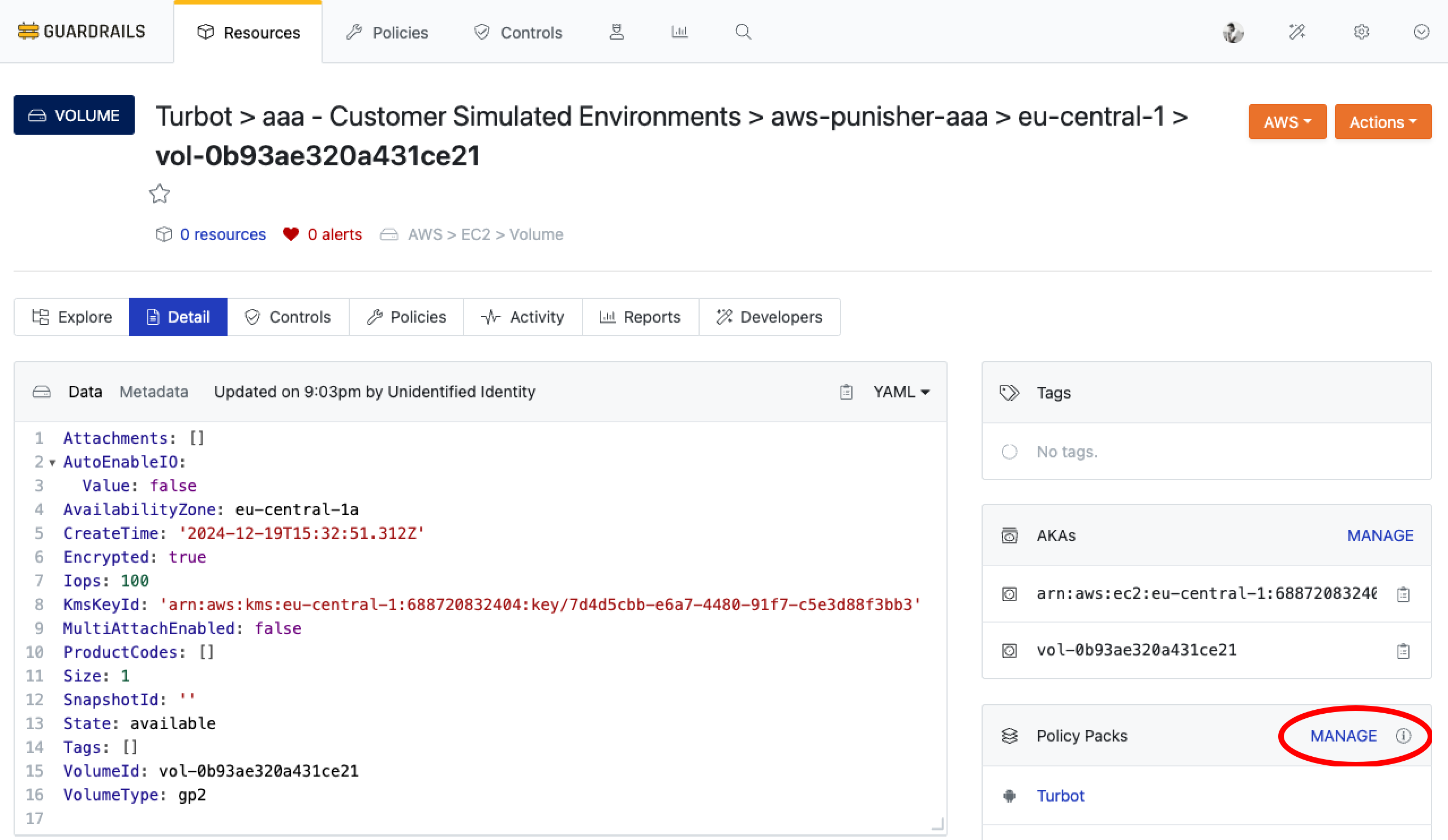
Step 4: Associate Policy Pack
From the resource detail page, click MANAGE in the Policy Packs section to proceed.
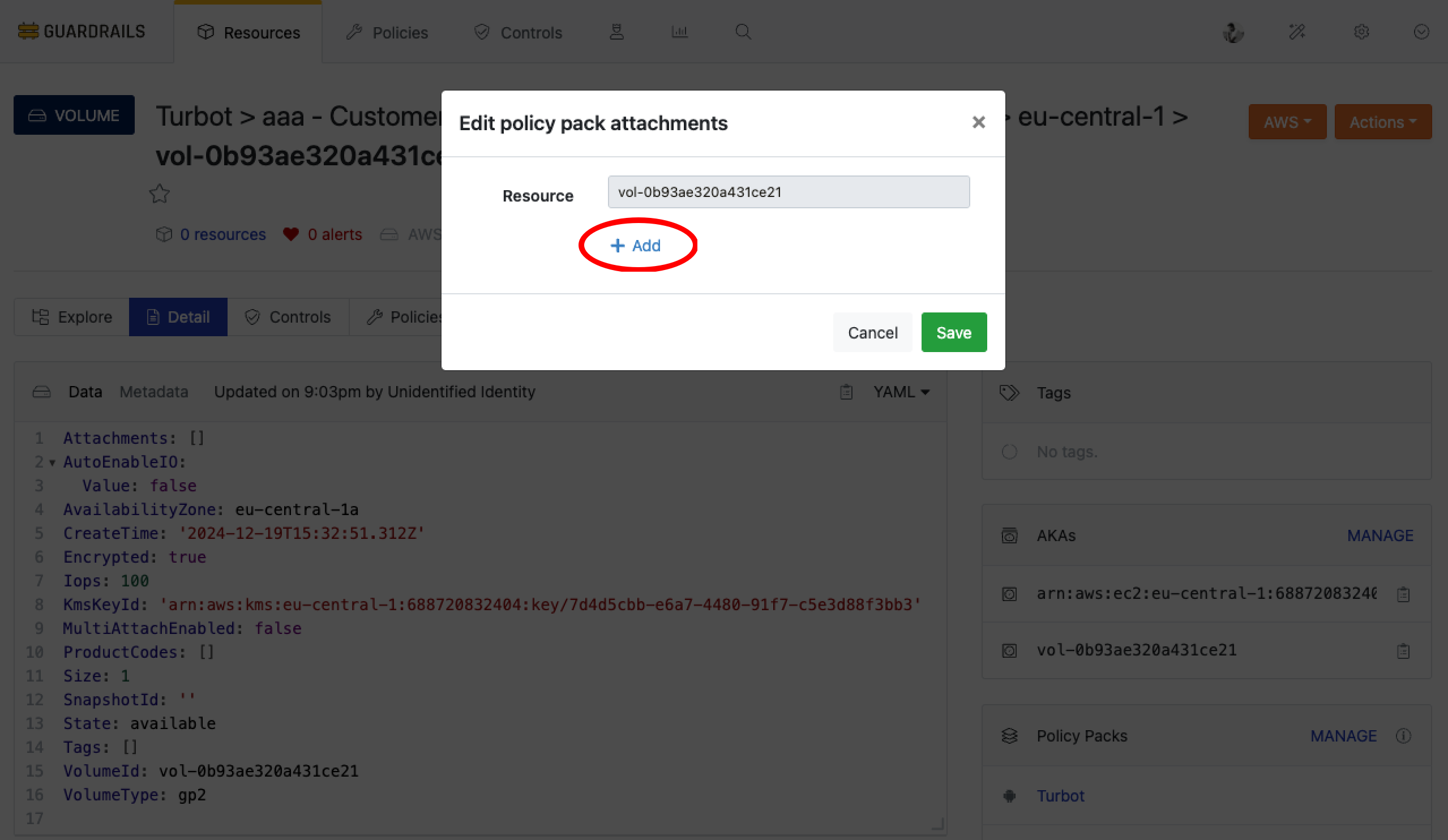
Select Add from the dialog box.
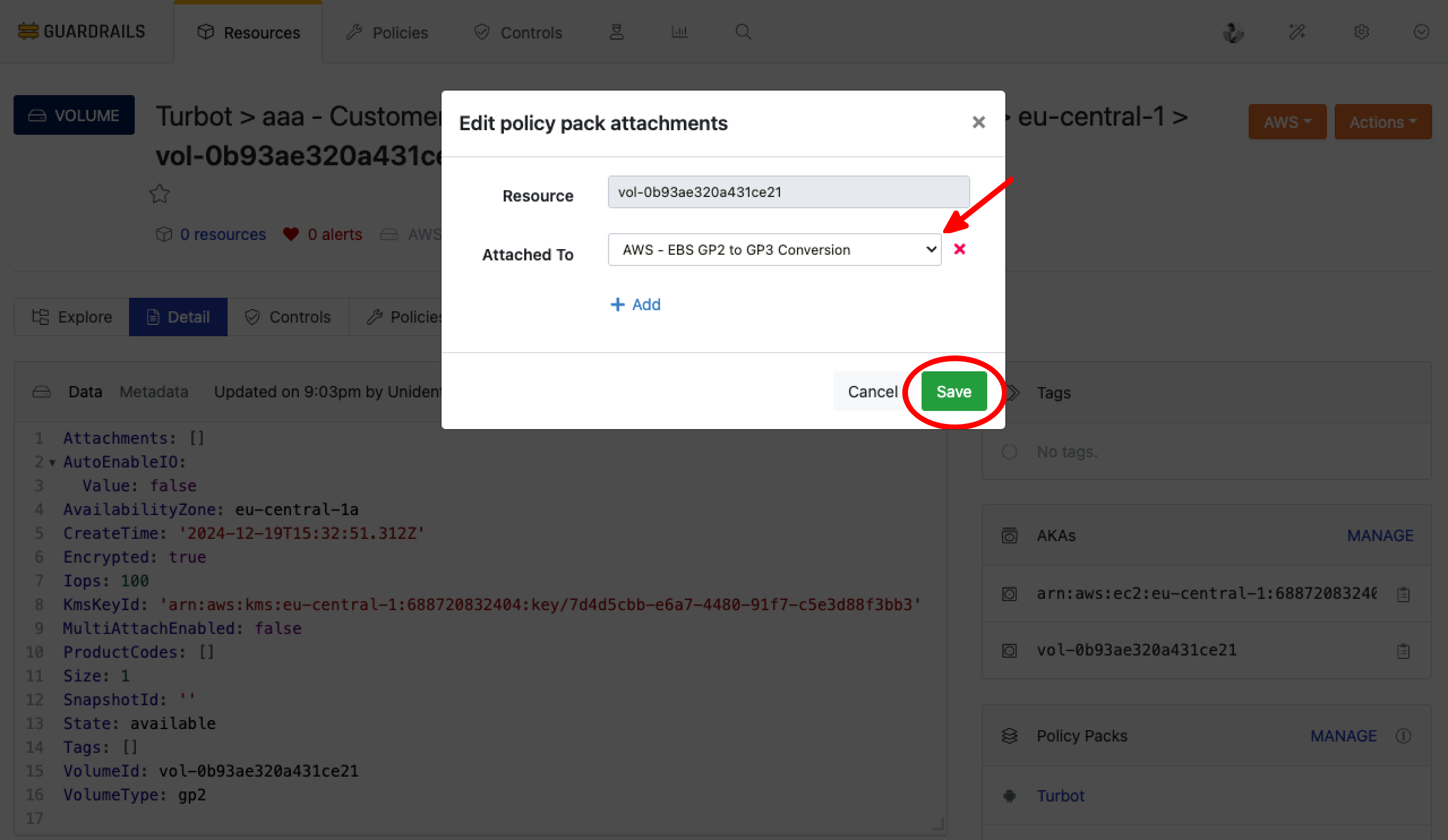
Select the desired policy pack and click Save to apply it to the resource.
Step 5: Verify Control
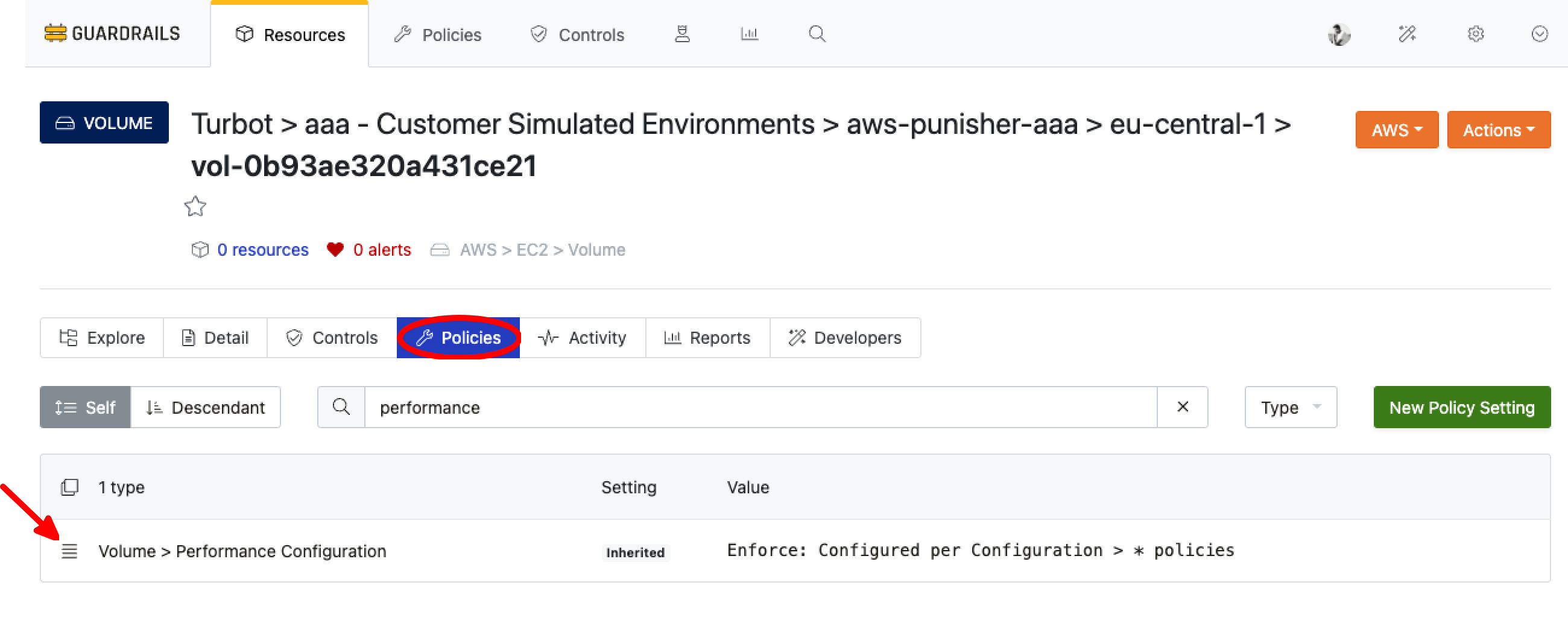
The newly attached policy pack should now be visible under the Policies tab of the resource.
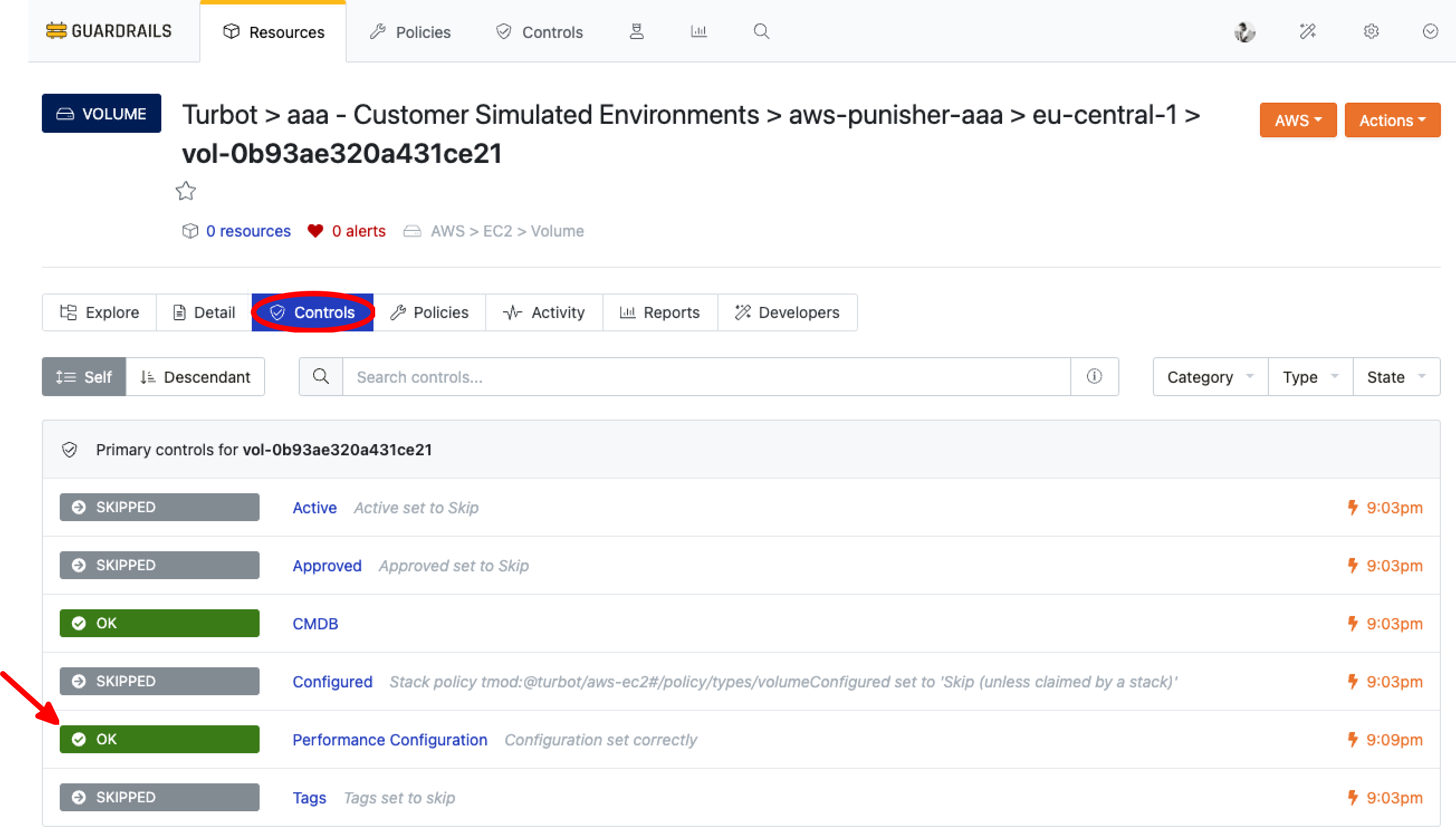
The newly applied control should now be visible under the Controls tab of the resource.
Next Steps
Explore the following resources to learn more about Guardrails’ Policies feature:
- Learn about Policy Packs
- Learn about Managing Policies
Troubleshooting
| Issue | Description | Guide |
|---|---|---|
| Further Assistance | If you continue to encounter issues, please open a ticket with us and attach the relevant information to assist you more efficiently. | Open Support Ticket |